Two Ways to Create High-Quality Glassy Controls in XAML
Sep 12, 2009
“However, there is one design trick that I'd love to master to give my applications that killer look -- the ability to give a control, be that a logo, a menu bar, or whatever, the ultra-glossy appearance, and especially the appearance that I've seen in these water ripples applications of the control having a shiny layer of water on them.. I don't necessarily need to achieve the ripple effect, but I'd love to know how to achieve the water layer appearance.”
After receiving this in my e-mail box few days ago, I dug out two really amazing tutorials:
Blend Candy: Another Blue Glowing Glass Button in the style of Web 2.0
by LiquidBoy
Creating a Glass Button: The Complete Tutorial
by Martin Grayson
After clicking the above link, remember to check attachment CreatingTheGlassButton.zip that contains the actual complete tutorial on how to achieve the effect step-by-step in Blend.
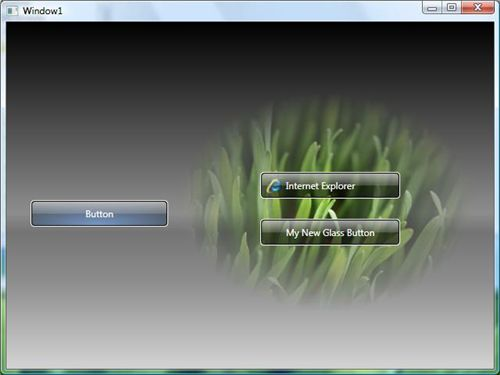
This is the image from Martin's blog, just to get you hooked up!