Two new effects for EasyPainter with source code!
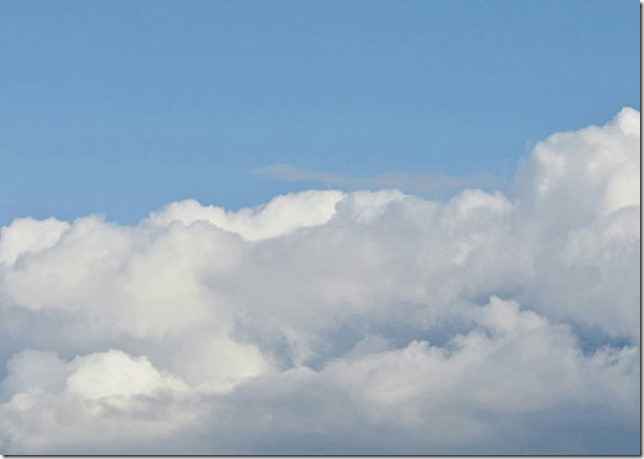
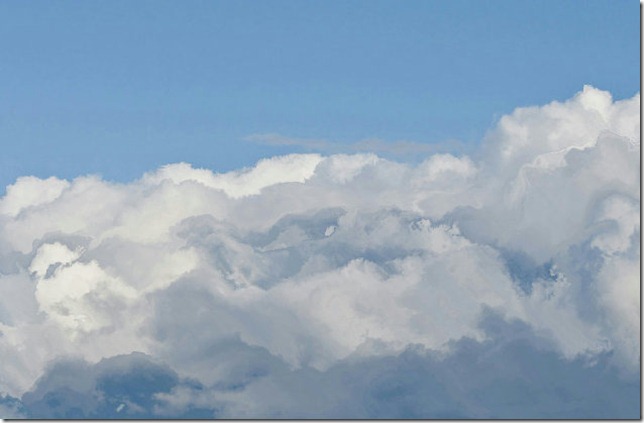
Cloud Turbulence: works great on clouds, but not much anything else I tried (OK on metal – makes it look like liquid).
Before:
After:
Particle Buzz
This effect has a lot of potential, since it’s the first displacement effect in EasyPainter based on image. Currently, it just uses random noise (Random.Next(256) for the R,G,B and 255 for the A channels).
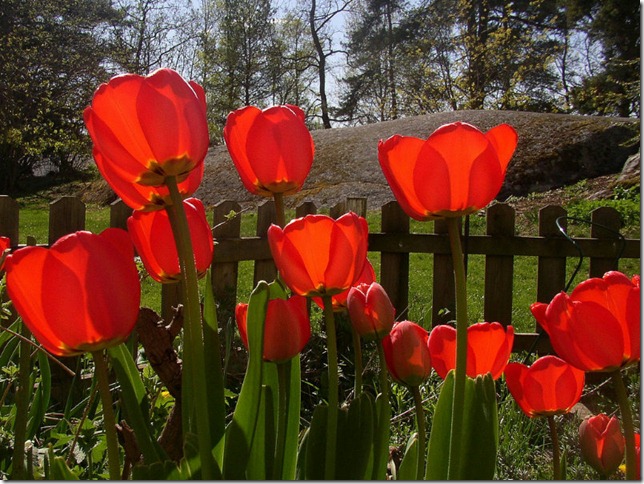
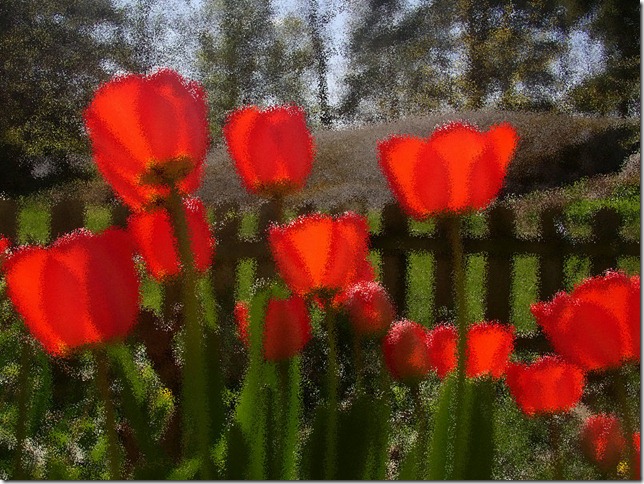
Using other images (such as pencil strokes, grass, etc) for displacement yields very nice results! I’m still experimenting :)
Source Code
Particle Buzz. The noise is a 256x256 texture initialized to random values and remember to set this.DdxUvDdyUvRegisterIndex = 1; when initializing the shader in code behind.
sampler2D Noise : register(S1);
/// <summary>Width of the input.</summary>
/// <minValue>2</minValue>
/// <maxValue>100</maxValue>
/// <defaultValue>30</defaultValue>
float Shake : register(C0);
/// <summary>Input size</summary>
/// <type>Size</type>
/// <minValue>10,10</minValue>
/// <maxValue>100,100</maxValue>
/// <defaultValue>#01000000</defaultValue>
float4 dxdyShift : register(c1);
/// <summary>Input size</summary>
/// <type>Size</type>
/// <defaultValue>1024,768</defaultValue>
float2 ImageSize : register(C2);
//--------------------------------------------------------------------------------------
// Sampler Inputs (Brushes, including ImplicitInput)
//--------------------------------------------------------------------------------------
sampler2D Input : register(S0);
float4 main(float2 uv : TEXCOORD) : COLOR
{
float2 dx = dxdyShift.xy;
float2 dy = dxdyShift.zw;
float4 noiseValue = tex2D(Noise, frac(2*uv*(ImageSize/256.0)));
noiseValue -= 0.5;
noiseValue *= Shake;
return tex2D(Input, saturate(uv+(dx+dy)*noiseValue.rb));
}
Cloud Turbulence
Needs this.DdxUvDdyUvRegisterIndex = 1; too.
/// <summary>Width of the input.</summary>
/// <minValue>2</minValue>
/// <maxValue>100</maxValue>
/// <defaultValue>30</defaultValue>
float Shake : register(C0);
/// <summary>Input size</summary>
/// <type>Size</type>
/// <minValue>10,10</minValue>
/// <maxValue>100,100</maxValue>
/// <defaultValue>#01000000</defaultValue>
float4 dxdyShift : register(c1);
sampler2D Input : register(S0);
float4 main(float2 uv : TEXCOORD) : COLOR
{
//pixel step vectors
float2 dx = dxdyShift.xy;
float2 dy = dxdyShift.zw;
float4 noiseValue = tex2D(Input, uv);
noiseValue.rg = float2((noiseValue.r + noiseValue.b/4), noiseValue.g + noiseValue.r/2);
noiseValue -= 0.5;
noiseValue *= Shake;
return tex2D(Input, saturate(uv+(dx+dy)*noiseValue.rg));
}
Hope you like it! :)